


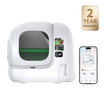

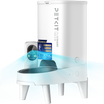

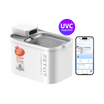


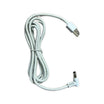


A visual meal timeline
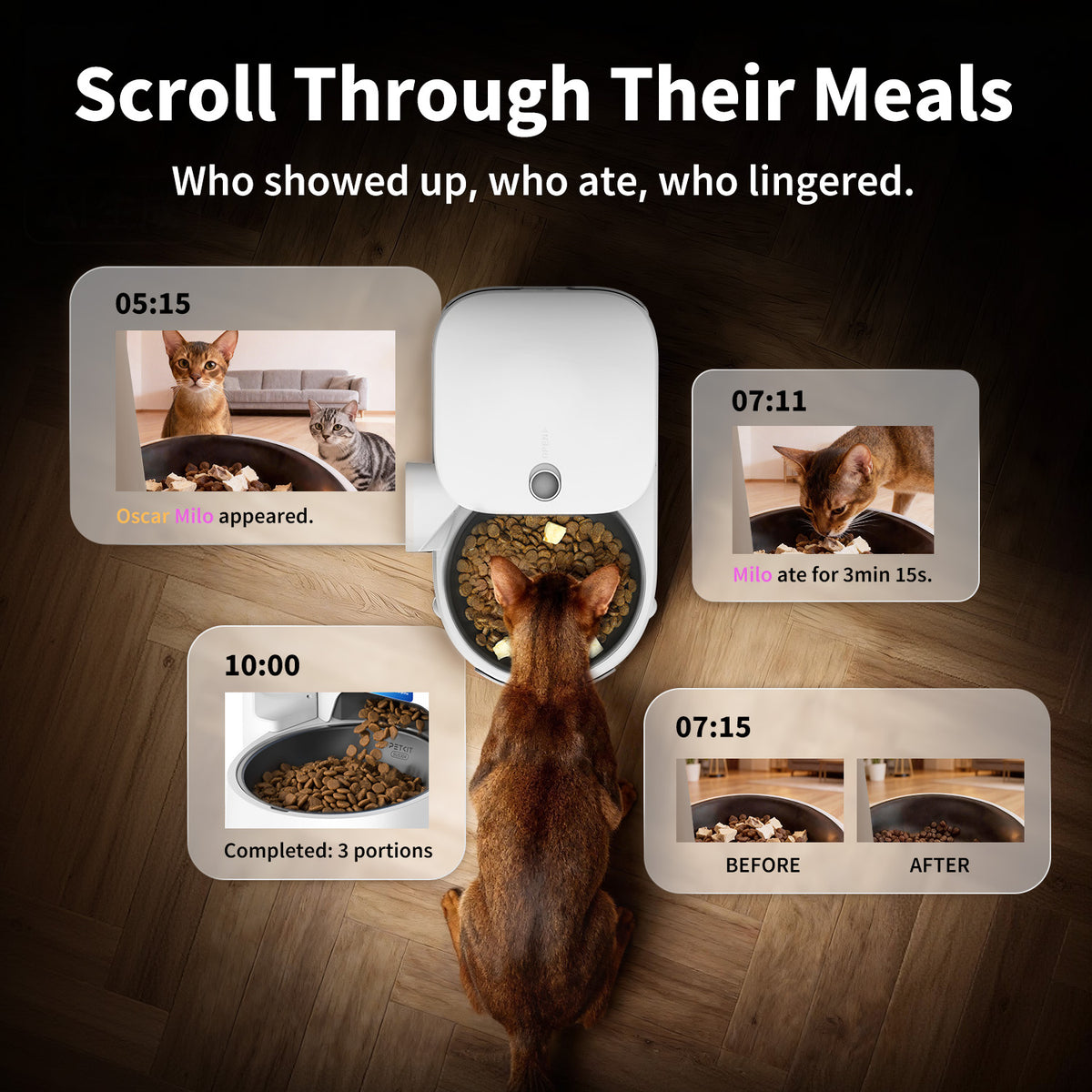
Review supported visit and feeding events in a timeline, so it is easier to see when your pet came to the bowl.
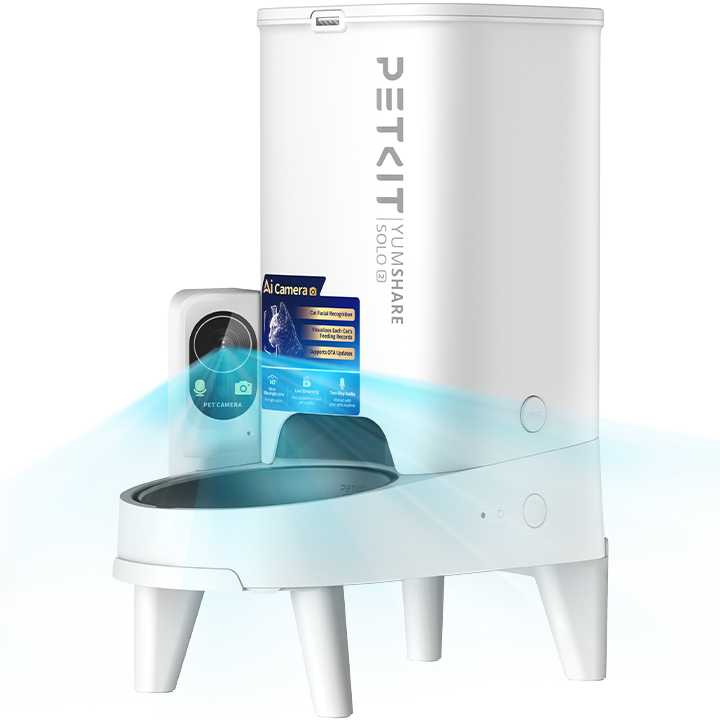
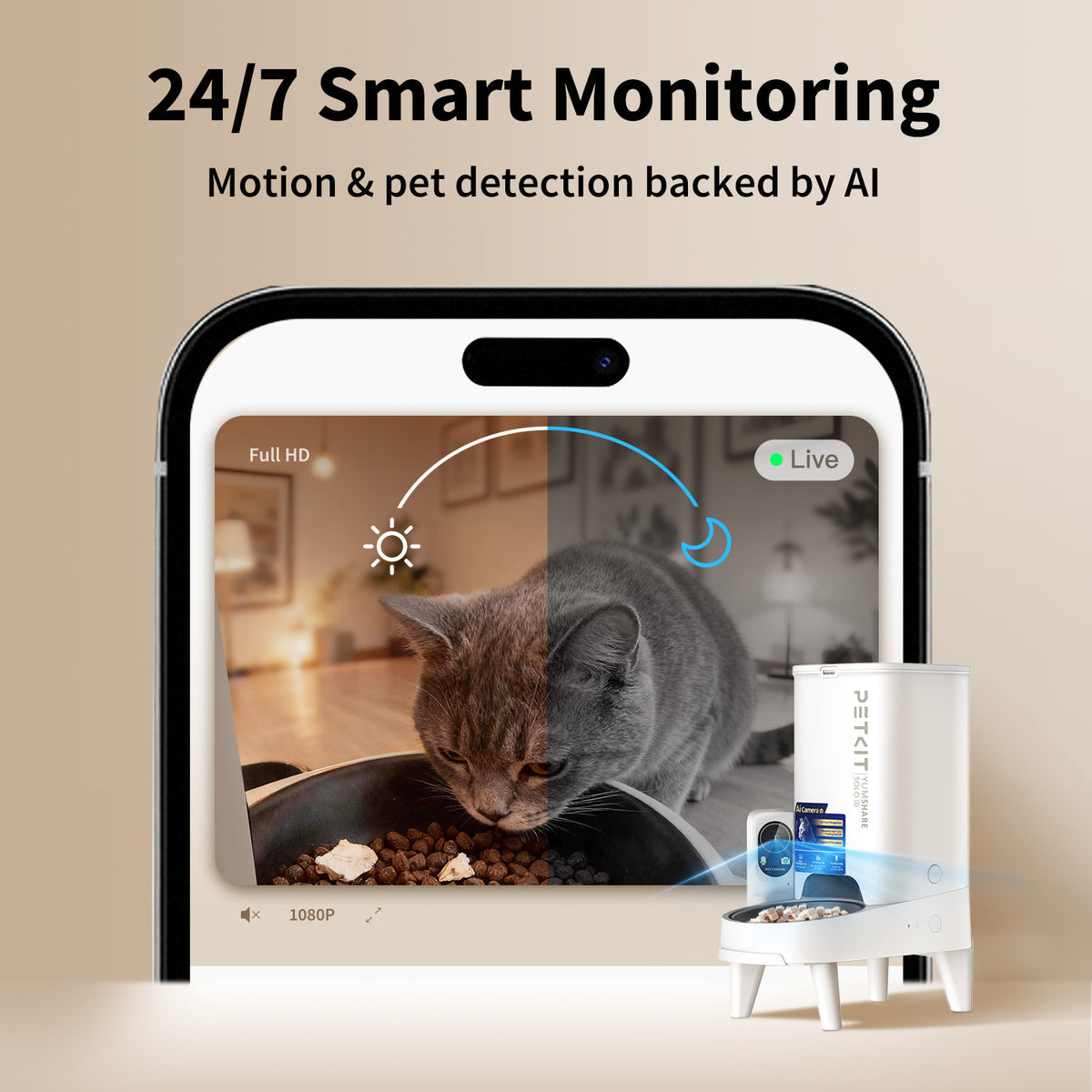
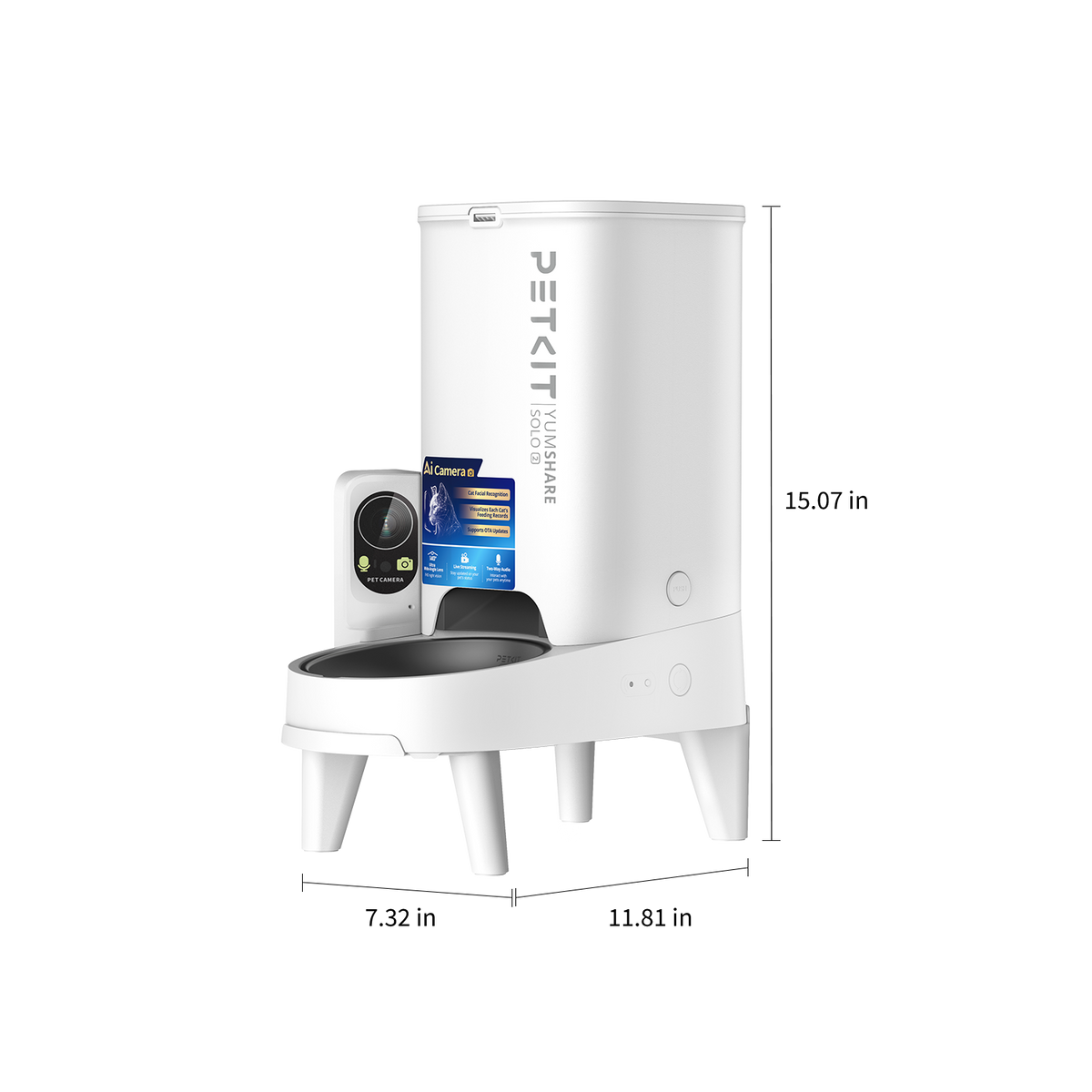
Serve scheduled dry-food meals and see the moments around them. A compact 3L hopper, built-in camera and PETKIT App controls bring everyday feeding into one place.

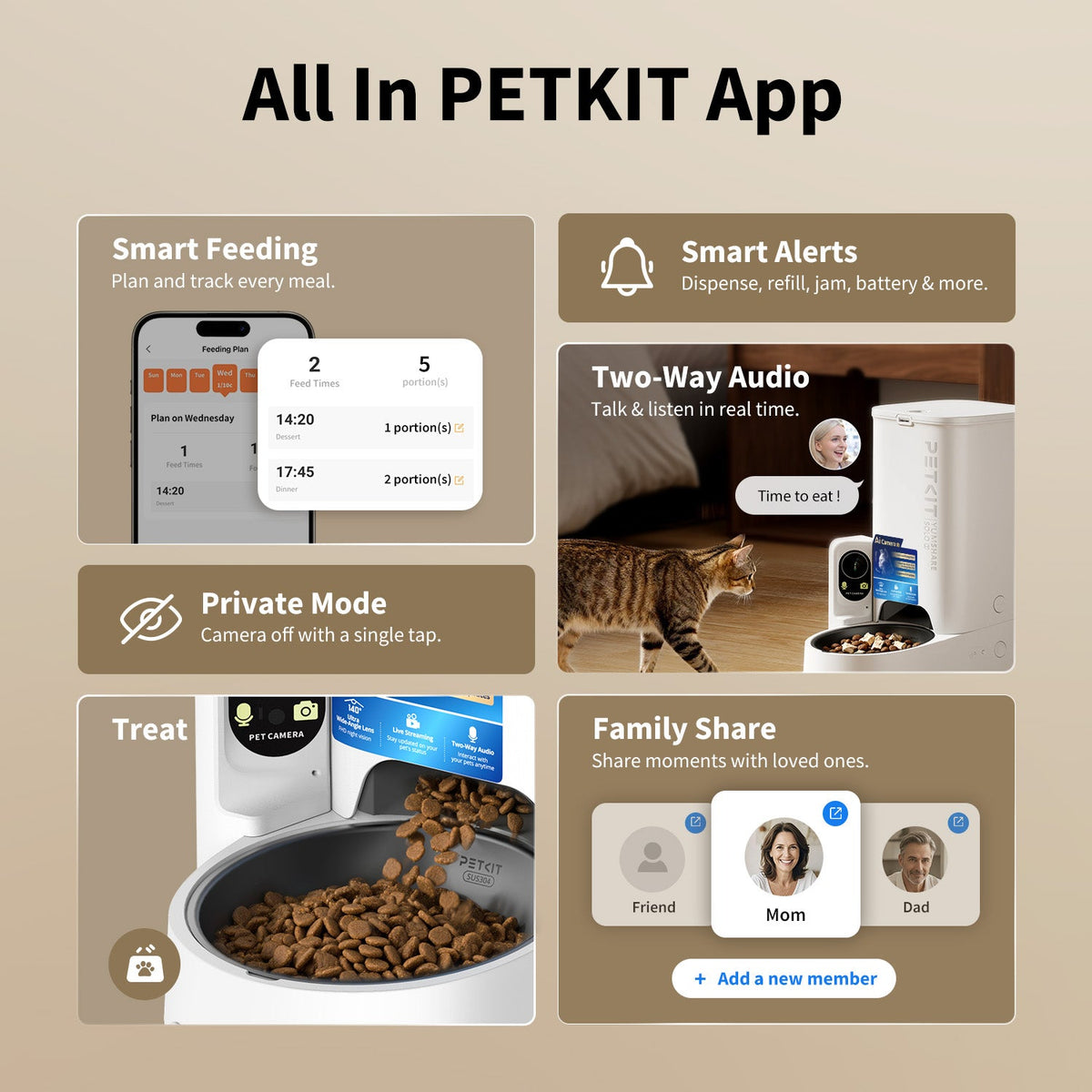
Create a feeding plan in the PETKIT App and adjust meal times and portions to suit your pet. Dispense an extra serving remotely when needed, or use the feeder’s manual feeding button.

Check the feeding area with live video and night vision, and speak to your pet through two-way audio. Supported app services organise the activity around the bowl.
Review supported visit and feeding events in a timeline, so it is easier to see when your pet came to the bowl.

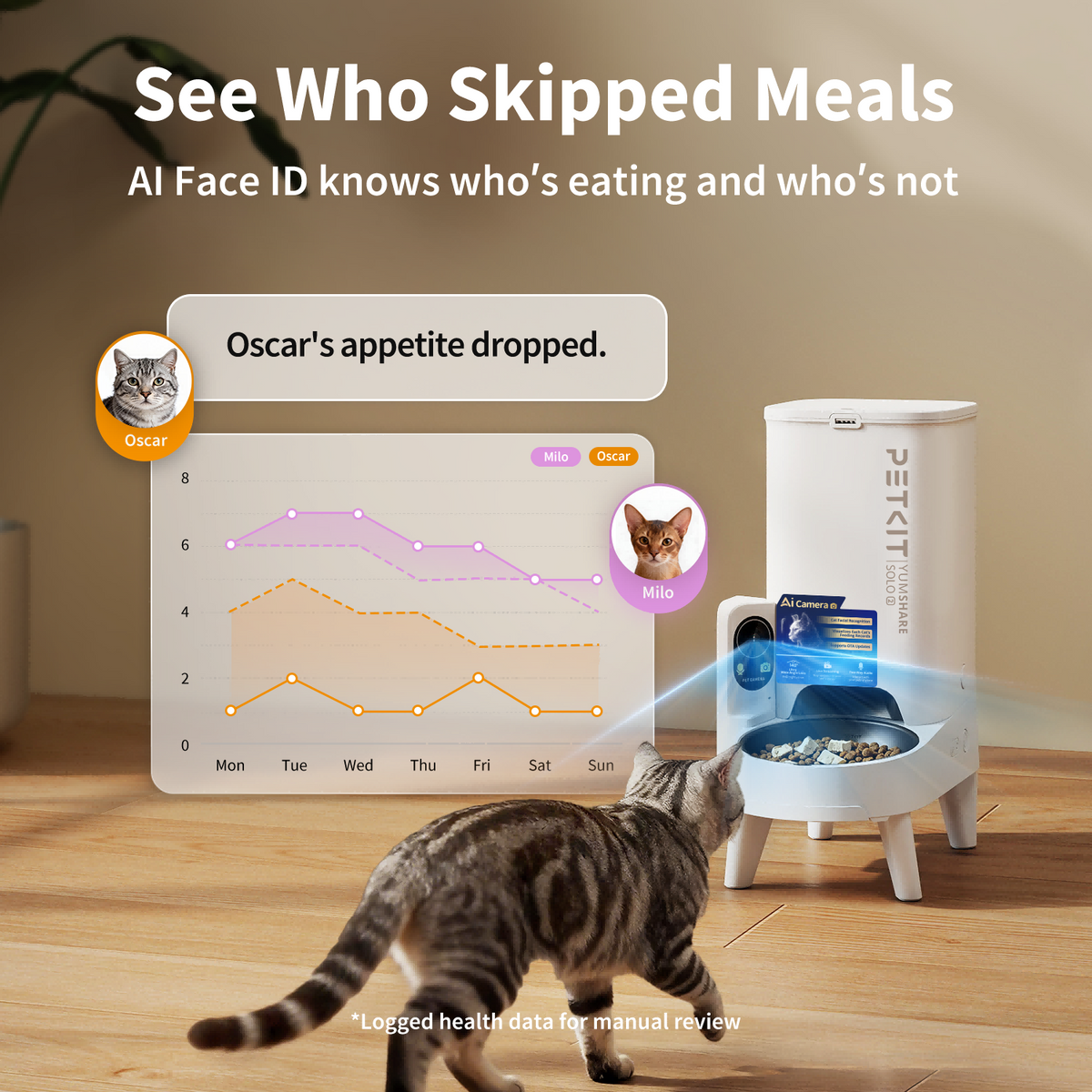
Available AI recognition helps distinguish registered pets and organise individual activity records in a shared household.

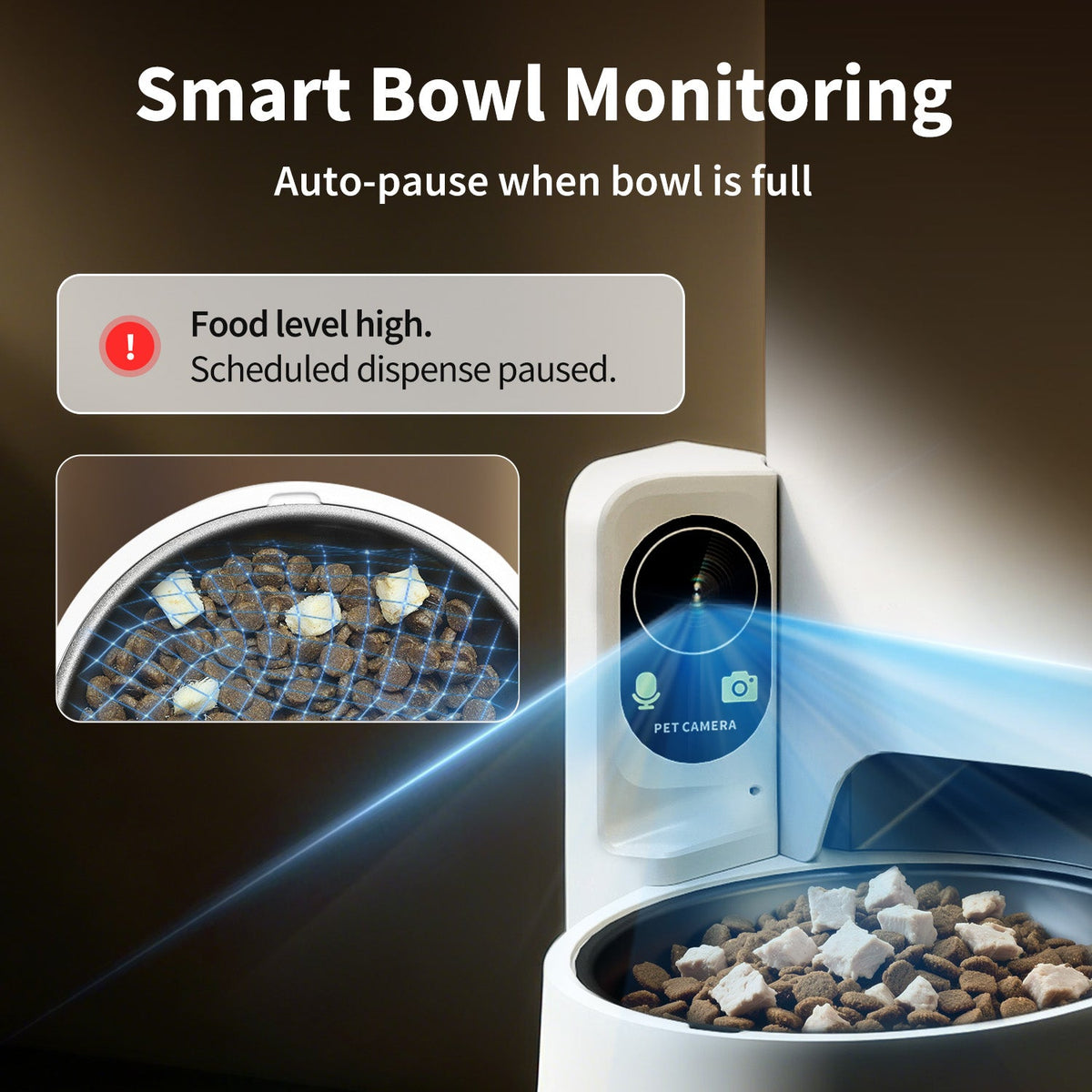
Supported bowl monitoring can recognise food remaining in the bowl and pause dispensing when the selected limit is reached.
Some camera, AI recognition, activity-history and cloud-video services require a paid PETKIT Care+ subscription. Availability depends on the app service and region. Camera records are a guide to your pet’s routine, not a health assessment.
Switch the camera off in the app when you want privacy, or set a monitoring schedule to match your household. Choose the available recording and notification options after pairing.

Manage feeding plans, receive supported reminders, review records and record a personal meal call. Share access with family members through the available PETKIT App settings.

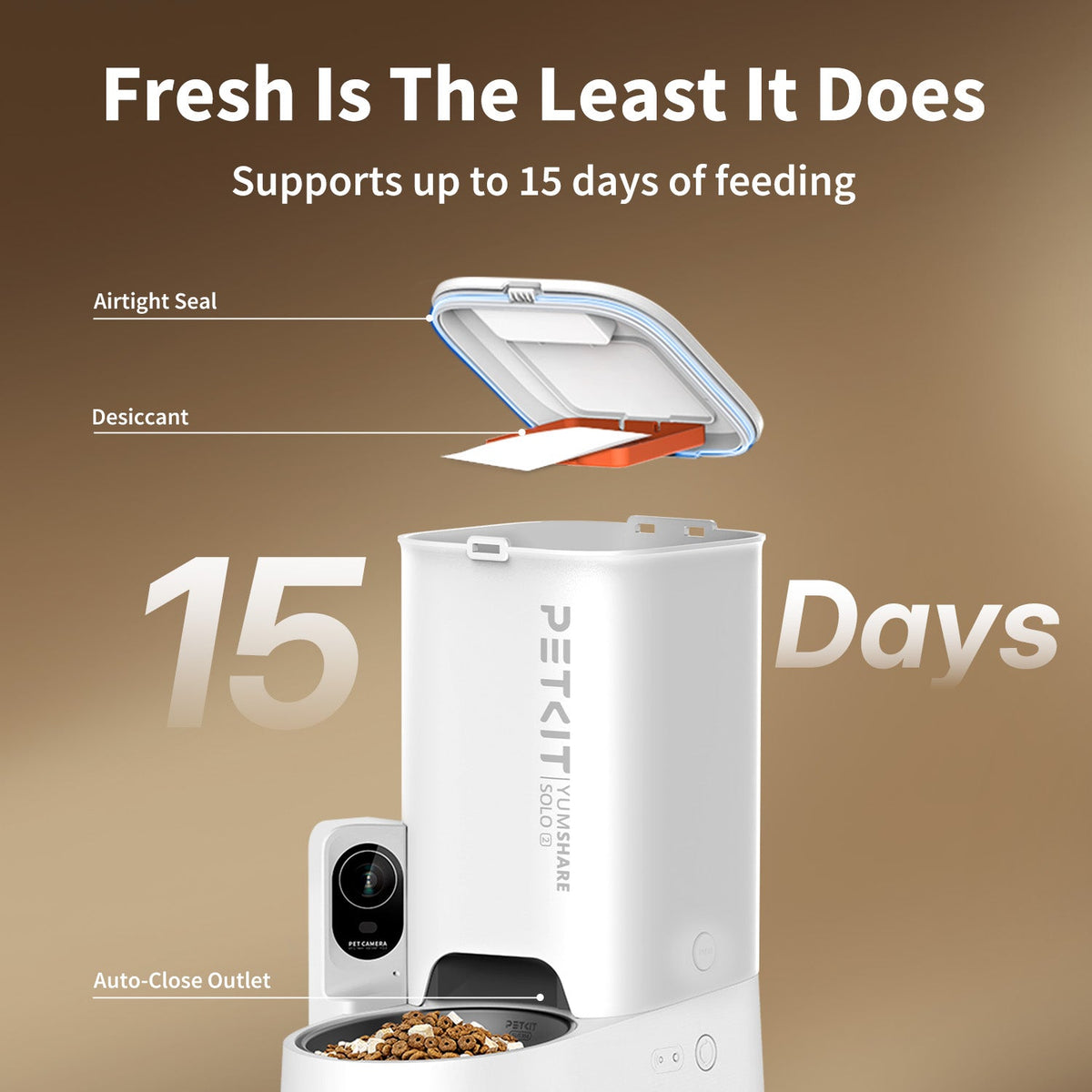
Practical food storage, a secure lid and backup power support a consistent routine between refills.

Store dry food in the single hopper without a large countertop footprint. Refill frequency depends on your pet’s portion sizes and the number of pets.

Sealed storage, a desiccant compartment and the food-dispensing mechanism help protect dry food from moisture and support a smooth feed.
Install five AAA alkaline batteries, purchased separately, for backup feeding if mains power is interrupted. Camera functions are unavailable in battery mode. Check battery condition before relying on backup power.

The lid release helps keep stored food secure. The included elevated stand gives you an alternative feeding height; place the feeder on a level indoor surface.
Use dry kibble up to 12mm and freeze-dried food up to 9mm. Do not add wet food. Portion weight varies with food shape and density; check the dispensed amount when setting up a feeding plan.

| Product | PETKIT YumShare Solo 2 Automatic Feeder with Camera |
|---|---|
| Model / SKU | P572 |
| Colour | White |
| Food capacity | 3L / 12 cups |
| App connection | 2.4GHz and 5GHz Wi-Fi |
| Rated input | 6V DC, 2A |
| Main power | Supplied DC power adapter |
| Backup power | 5 × AAA alkaline batteries; not included |
| Food sizes | Dry kibble ≤12mm; freeze-dried food ≤9mm |
| Dimensions with elevated stand (H × W × D) | 383 × 186 × 300mm |
| Approximate weight with stand | 1.79kg |
| Materials | ABS, 304 stainless steel and silicone |
| Suitable pets | Cats and small-breed dogs |
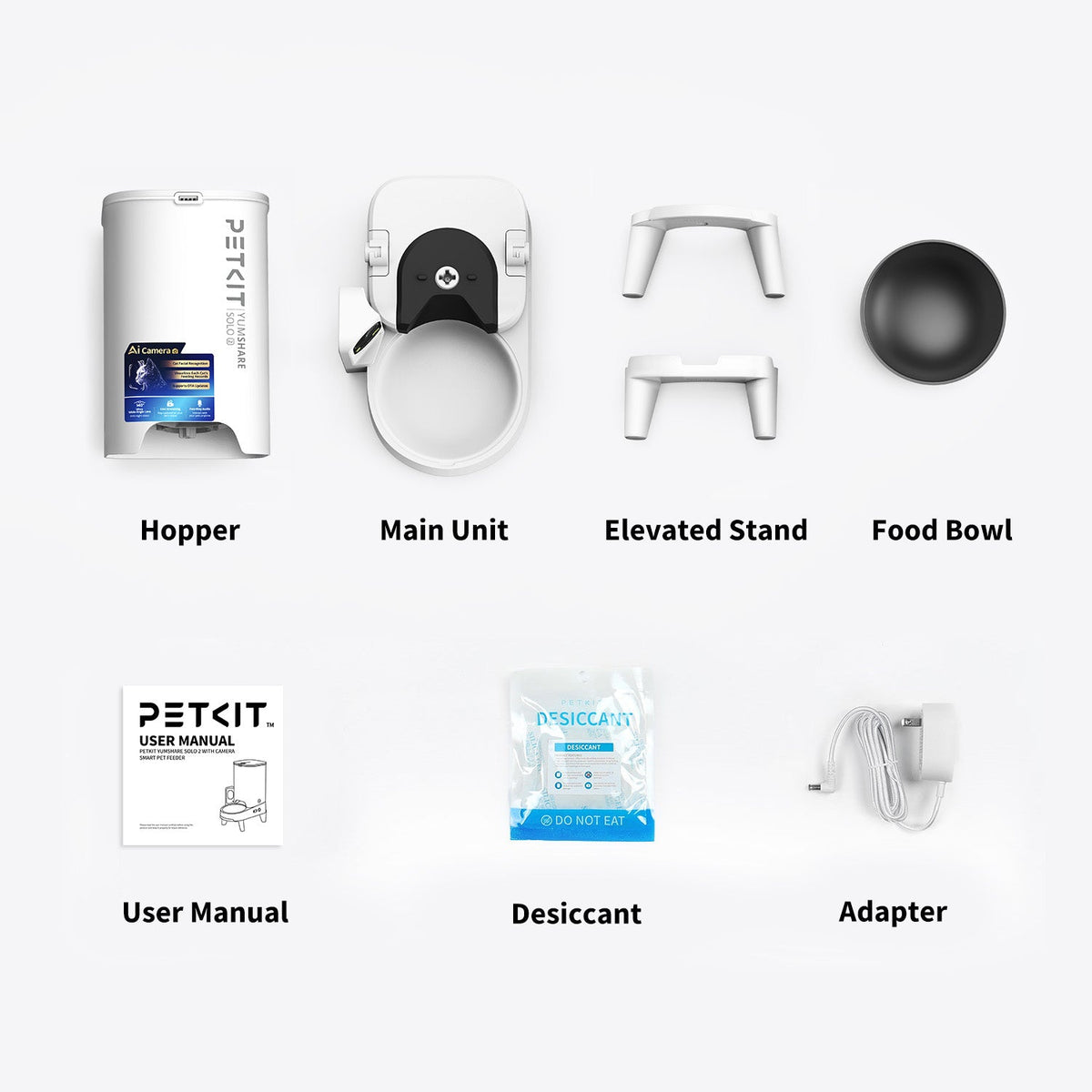
Main unit, hopper and lid, food bowl, elevated stand, power adapter, desiccant and user manual. Backup batteries and a screwdriver are not included.

Dry kibble up to 12mm and freeze-dried food up to 9mm. Wet food is not suitable.
The feeder supports both 2.4GHz and 5GHz home Wi-Fi networks. Follow the pairing instructions in the PETKIT App.
Saved feeding schedules can continue when the network is unavailable. Remote control, live video and cloud services need the relevant network connection.
With five AAA alkaline batteries installed, backup feeding can continue when mains power is interrupted. Batteries are sold separately. Camera functions are unavailable in battery mode.
Some AI, activity-history and cloud-video services need a paid PETKIT Care+ subscription. Check the current service options and regional availability in the app.
The camera supports night vision and two-way audio through the PETKIT App when connected and using the required power supply.
PETKIT specifies cats and small-breed dogs. Choose food that meets the size guidance, and set portions for your pet’s individual needs.
Create and adjust feeding plans in the PETKIT App. Check the current settings for this model after pairing; the weight of a portion depends on the food you use.
Place the feeder near the usual feeding spot and introduce it gradually. Monitor the first meals and adjust the routine at your pet’s pace.
Contact PETKIT New Zealand using the Contact Us page. Local delivery, returns and warranty terms are available in the store policies linked below.
